
Web Chat for v0
Add an AI agent to your v0 app
Bring your AI agent to v0 with one embed. Chat with users and reach them across messaging channels and email through one workflow. Your agent’s channel, not a generic widget.
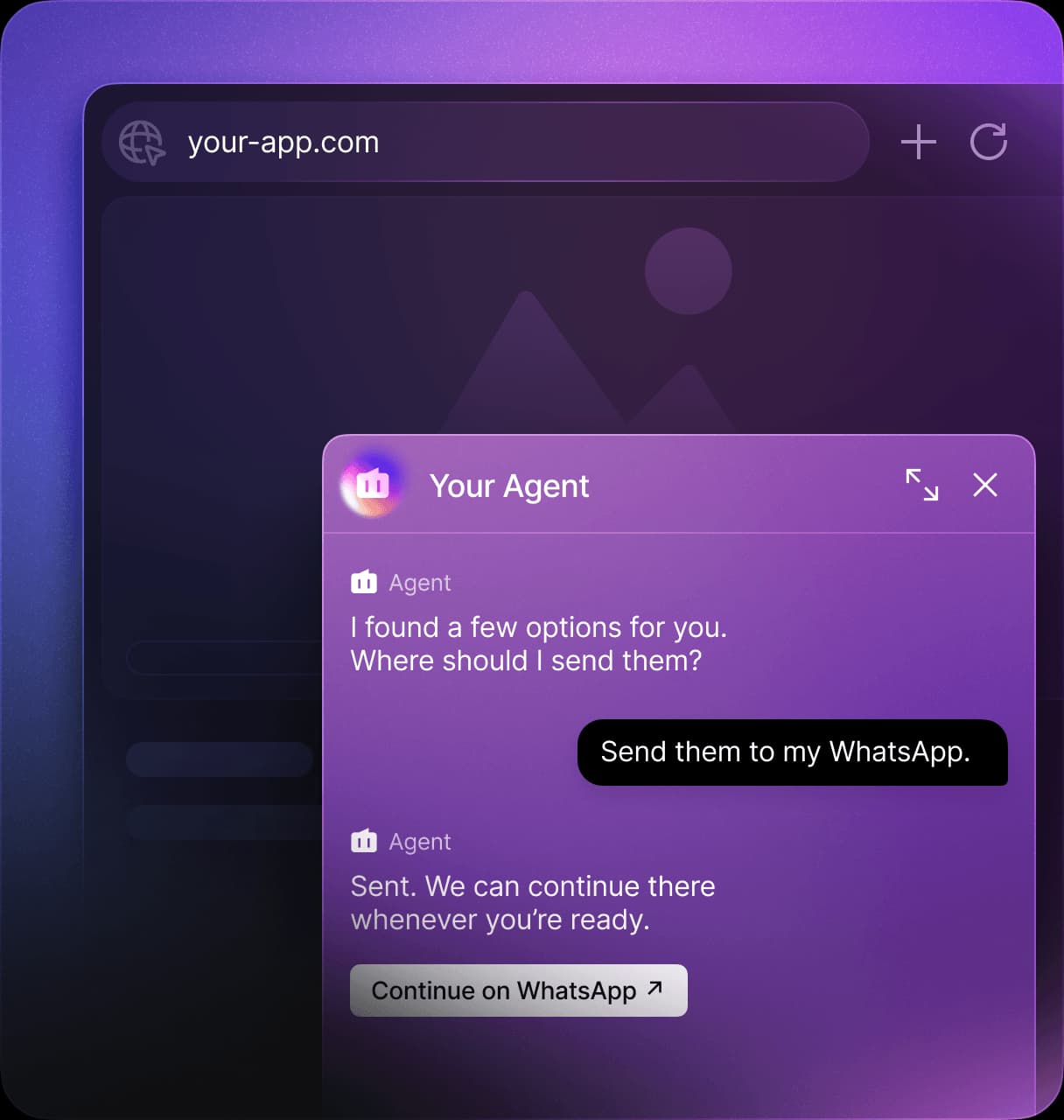





Your agent, live in your v0 app

One-snippet embed
Paste one script tag into your v0 app.

No backend to host
Novu delivers your messages. No messaging backend to host or maintain.

Themeable
Customize the chat widget’s appearance to match the look and feel of your v0 app.

Two-way
Your agent receives visitors’ messages and replies directly in the same chat widget.

Every channel, one workflow
Reach users across Slack, WhatsApp, email, and other channels through one workflow.

Shareable public link
Every agent gets a public link you can share with your visitors, even without a paid plan.
How to add an AI agent to your v0 app in five steps
No webhooks, no OAuth, a few minutes.
- 1
Connect your agent to Novu Web Chat: run
npx novu connect --channel web-chat.
- 2
Give your agent its instructions in the Novu dashboard, so it has something to say.
- 3
Copy your one-line Web Chat embed, a single script tag.
- 4
Paste the embed where you want the widget in your v0 app.
- 5
Publish. Your agent is live in the chat, replying to visitors.
One workflow, every channel
Your agent’s logic works across your v0 app and every channel. Novu handles delivery through one workflow. Run the command to connect Web Chat.


Frequently asked questions
Give your v0 app an AI agent
Bring the agent you built. Novu puts it in your v0 app and reaches your users on every channel from one workflow.